Solutions · Demand planning
Plan against one demand number per customer and product.
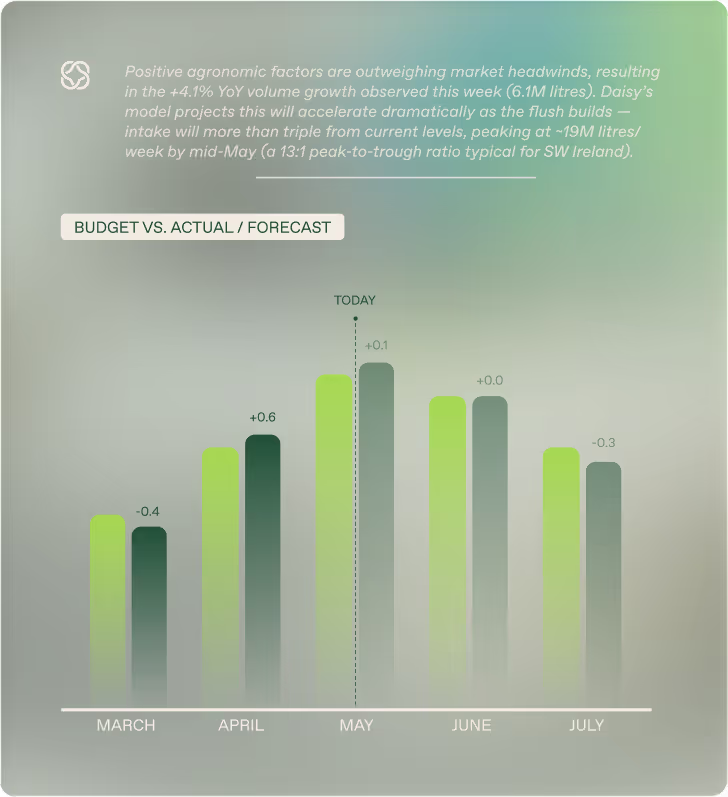
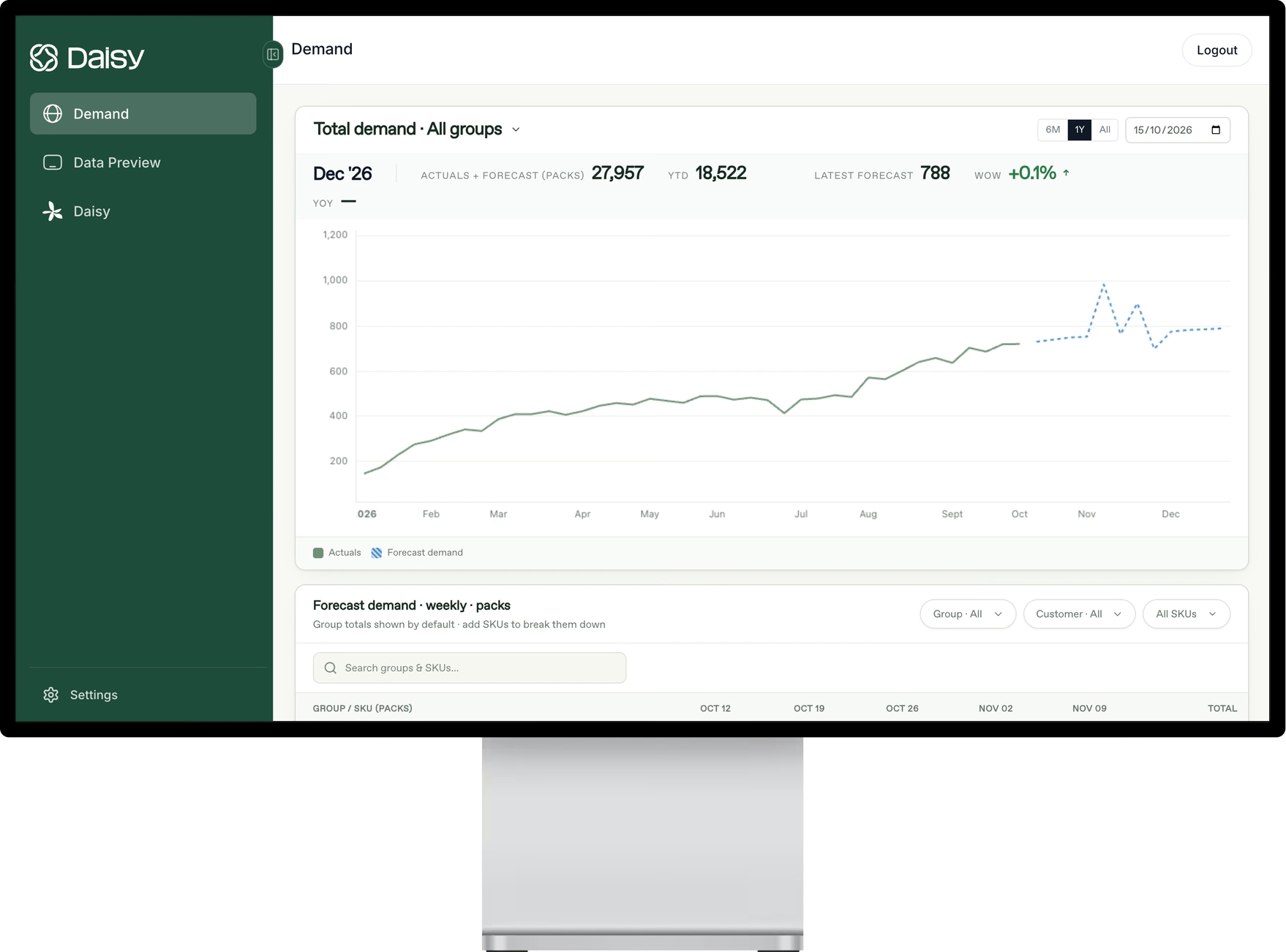
Daisy predicts sales at the SKU and account level, so your team starts every cycle from a forecast it can defend.

Demand planning
Before and after Daisy
What this costs today
- Too much time spent being wrongBuilding a manual baseline every cycle, knowing it will miss, is time not spent on the decisions that matter.
- Arguing about the numberWithout a reason behind the forecast, planning meetings turn into debates about whose number to trust.
- Spreadsheets that do not scaleExcel works until the SKU and account count outgrows the people maintaining it.
How Daisy helps
- SKU and account-level forecastsEvery customer and product gets a number your team can plan against.
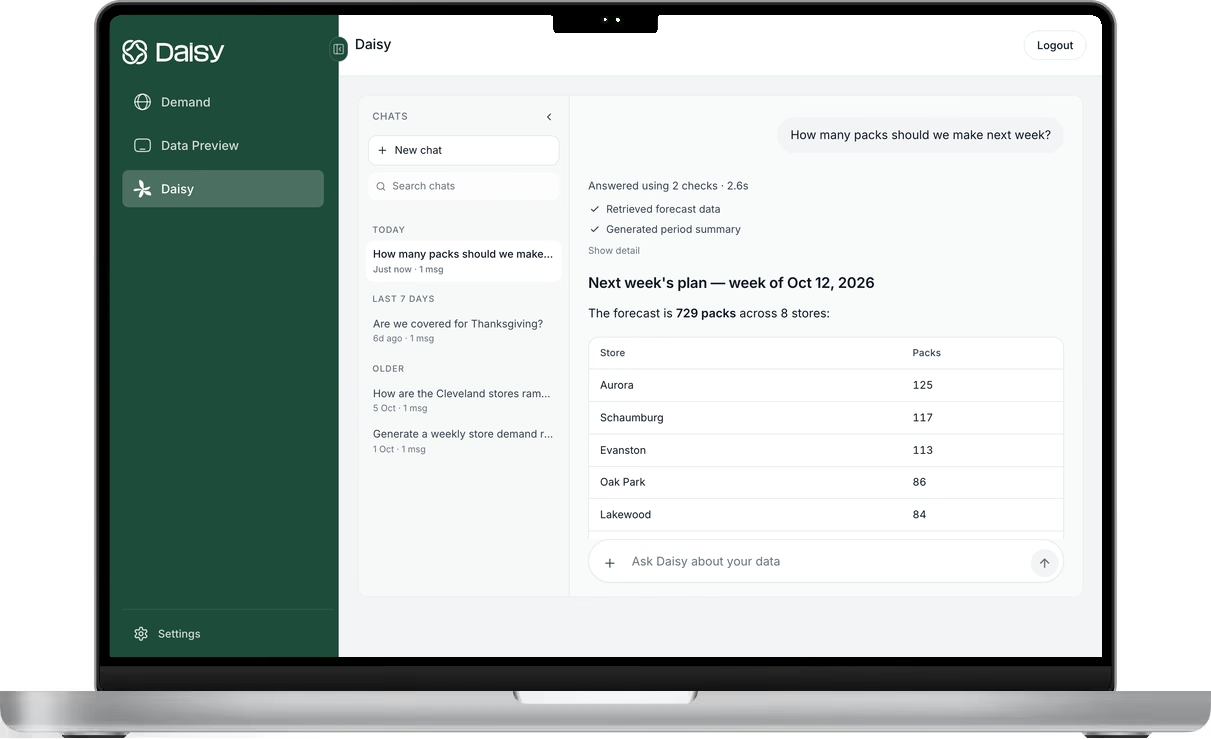
- The why behind the numberEvery forecast shows what is driving it, so the meeting is about decisions, not about defending a figure.
- Baselines on autopilotDaisy takes over baseline forecasting so planners can focus on the exceptions that need judgment.
Common questions
Does this replace our planners?
No. Every forecast shows what is driving it, so planners can see why the number moved and apply their own judgment before they act.
How is Daisy different from a planning tool like SAP IBP?
Other platforms give you a tool to run: your team configures, maintains and runs it. Daisy delivers the demand and supply forecast you plan against, and keeps it maintained.
What data do you need to start?
Your sales history from your ERP or a file export. Daisy adds outside signals such as weather and markets, so there is nothing extra for your team to collect.
See Daisy in action.
Start with a 12-week pilot, run alongside your forecast
DEMO SIGN-UP
Want to try Daisy?
Thanks — we’ve got your request.
We’ll be in touch shortly to set up a time.
Sorry, we couldn’t send your request. Please email us at info@daisy.inc and we’ll get back to you.