How Daisy Protects Your Data
Every layer of the Daisy platform, the AI assistant included, is built on the assumption that the layer before it has already failed.
At Daisy, we design every layer of our platform prioritising security and always assume that the previous line of defence has already been defeated.
That isn’t overthinking, it’s how we approach design and building things.
Our customers, food and beverage companies entrust us with their sensitive data including sales volumes, production schedules and much much more. Brands, manufacturers, their customers and their competitors can use Daisy platform side by side without any data leaking to each other. Because of this, our main rule is simple: as a customer, your data belongs to YOU.
To imagine the ways that Daisy protects your data, think of a typical office building:
- The door: You log in using your organisation’s existing authentication rules, so your team stays in control of who gets in at all times. All users are vetted and if your company supports Single Sign On (SSO) we encourage you to use it.
- Welcome desk: Daisy again verifies your identity on our servers rather than trusting a browser, as it can always lie. Browsers never get any say which level of access you get.
- The pass: Once you’re inside, you can only unlock your company ‘floor’ or in case of the Daisy platform your organisation page. Other areas remain inaccessible, you can’t go to another company’s office without explicit permission.
- The locked desk drawer: Even if all previous security checks were bypassed, the database automatically blocks unauthorised queries at the row level, before any data even leaves the database.
Any one of these restrictions and protections would keep your data private. But we designed the system so all of them are in place just to be certain that customer information is secure at every step. This way each layer can fail without compromising the system.
Then we made a Daisy AI assistant and restricted it just the same. With the identical restrictions that we used for all other parts of the system.
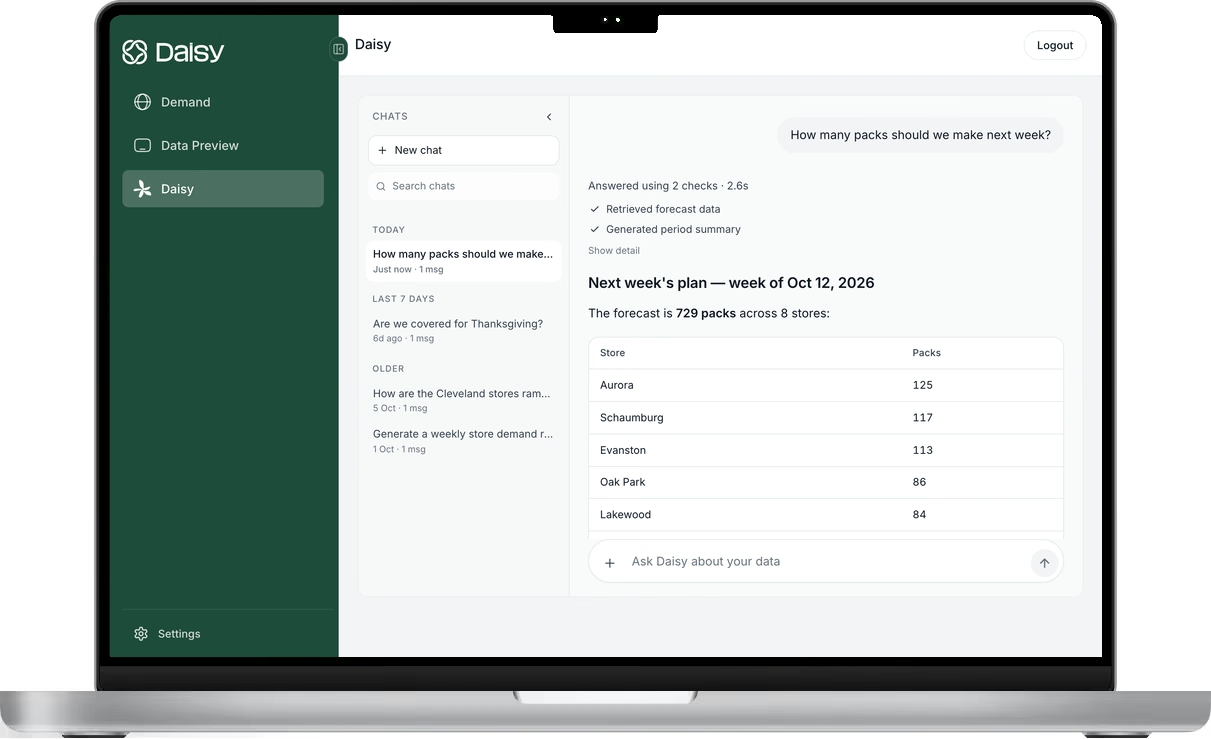
Almost all customers asked us about AI security at least once. We treat the AI like a new hire on the first day who receives a temporary visitor badge with specific permissions instead of a full access key which allows them to go anywhere. It never decides what data it can access. Daisy tells it. The AI, just like a user, operates within the exact permissions granted to the person using it, so if someone tries to ask about another company’s data, it simply can’t see it, however much it may try to. And each step in the system is protected, so there is no single failure exposing the data.
Behind the scenes, every customer is isolated to their own data from day one, with permissions strictly enforced by role everywhere in the system. Even if one layer fails there is always another to pick up the slack.
(For IT, security and developer folks: defence in depth, server side tenant resolution, full logical separation on every call in the system, RLS in the database, per tenant storage, and the LLM treated as untrusted, with no all customer data access. These restrictions are going through the whole system)
When you’re evaluating AI tools for your business, start with one main question: ‘what can the AI or an agent actually physically get access to’?
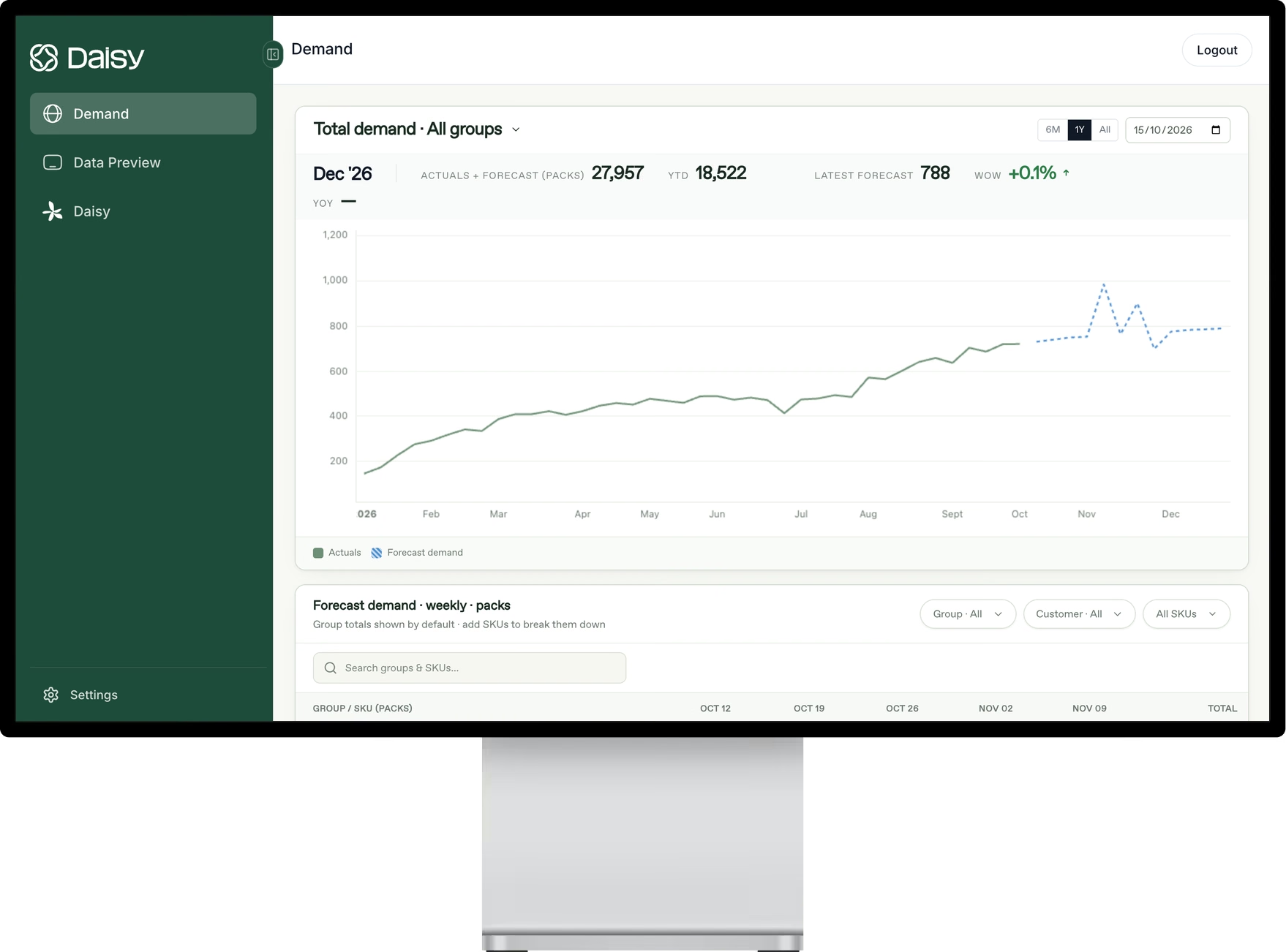
See Daisy in action.
Ready to implement in 2 weeks
Want to try Daisy?
We’ll be in touch shortly to set up a time.